
Browsing the Kakobuy Spreadsheet by category
Sixteen entry points, each one a live category of products with links an agent can act on. No account, no download, no table of anything.
All sixteen categories
Ordered the way you dress: head first, feet later, carried things last. The womenswear door is the one exception in kind; it opens a search result rather than a curated category, so expect keyword matches there rather than an edited shelf.
 Caps and headwearCategory
 Glasses and framesCategory
 Outer layersCategory
 Hoodies and zip-upsCategory
 Tees and topsCategory
 Match jerseysCategory
 Women's picksSearch results
 DenimCategory
 Joggers and sweatsCategory
 Sneakers and trainersCategory
 Belts and bucklesCategory
 Bags and carryCategory
 Jewellery and ringsCategory
 TimepiecesCategory
 FragranceCategory
 Tech and audioCategory
The catalogue
Why this Spreadsheet earns the bookmark
Catalogue sites in this scene die quietly: the links rot, the uploader moves on, and a listing points at a seller who stopped answering in spring. The catalogue behind these sixteen doors is maintained, product entries carry working platform links, and dead categories get pruned rather than left standing.
It also separates jobs properly. The catalogue never asks for your money; it shows you what exists. The agent never curates; it buys what you bring it. A site that tries to do both at once is usually doing one of them badly.
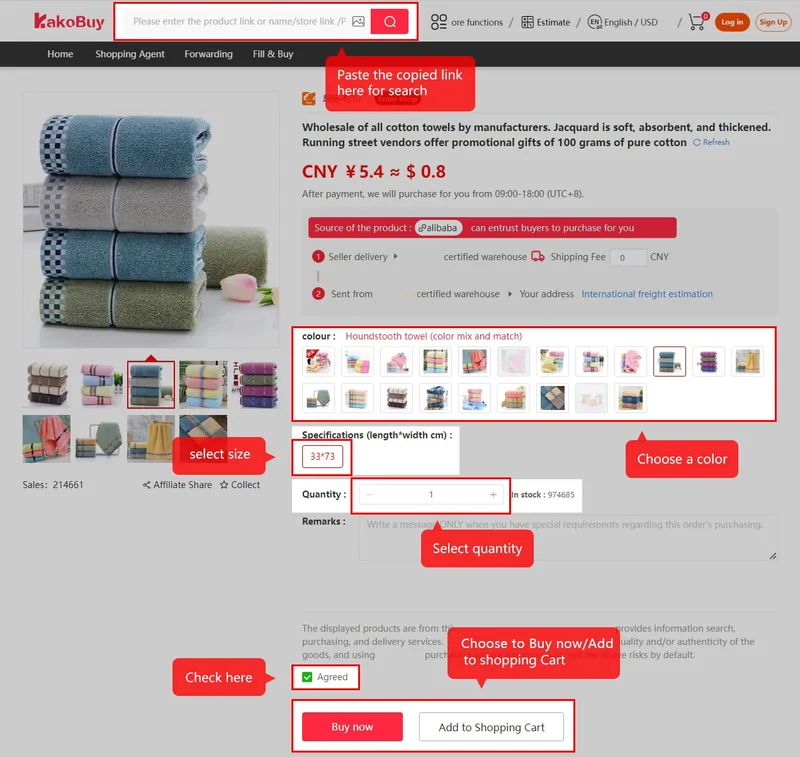
Use it in that order. Find the item, open its listing, copy the platform link, and only then open the agent's order form.
Method
Reading a listing before you commit
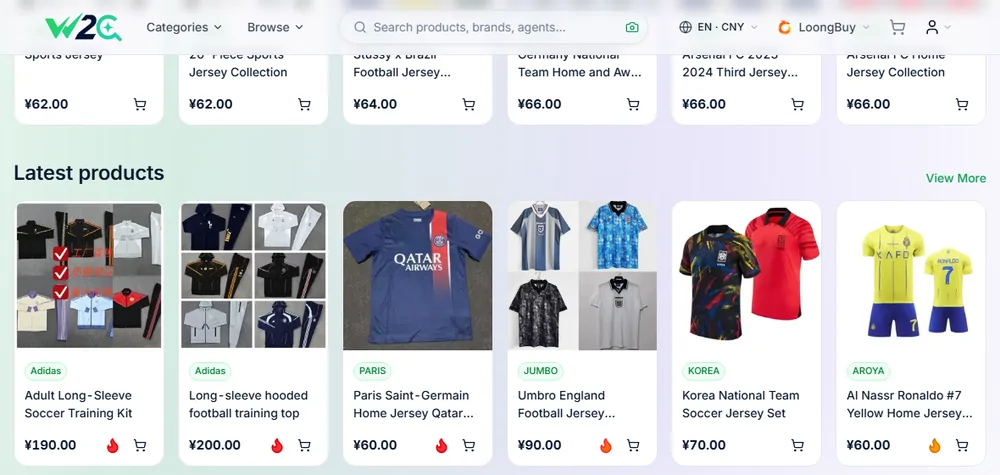
A well-formed listing answers four things at a glance: what the item is, what it costs in CNY, which platform the seller lives on, and how recently the entry was touched. If any of the four is missing, treat the listing as a lead rather than a fact, and verify on the seller page before ordering.
Prices you see in the catalogue are seller prices, before any agent costs. The full landed cost adds the domestic leg, international freight, and the customs line. The cost anatomy page stacks those layers in order.
Two notes on the sixteen doors themselves. The head-to-toe order is this site's own arrangement, chosen so a full outfit reads top to bottom; the catalogue backing it is category-first and does not care about the order you browse in. And the women's door behaves differently by construction: it runs a keyword search rather than opening an edited category, so its results skew toward whatever matches the word, with outerwear heavily represented. Treat it as a starting query, refine inside the catalogue, and lean on the category doors for everything that has one.
From this page onward
Found something already? The walkthrough turns a listing link into a tracked parcel in eight official steps. Not registered yet? The account page explains the two documents you will be agreeing to, and the wallet page explains why your first top-up should be modest.